

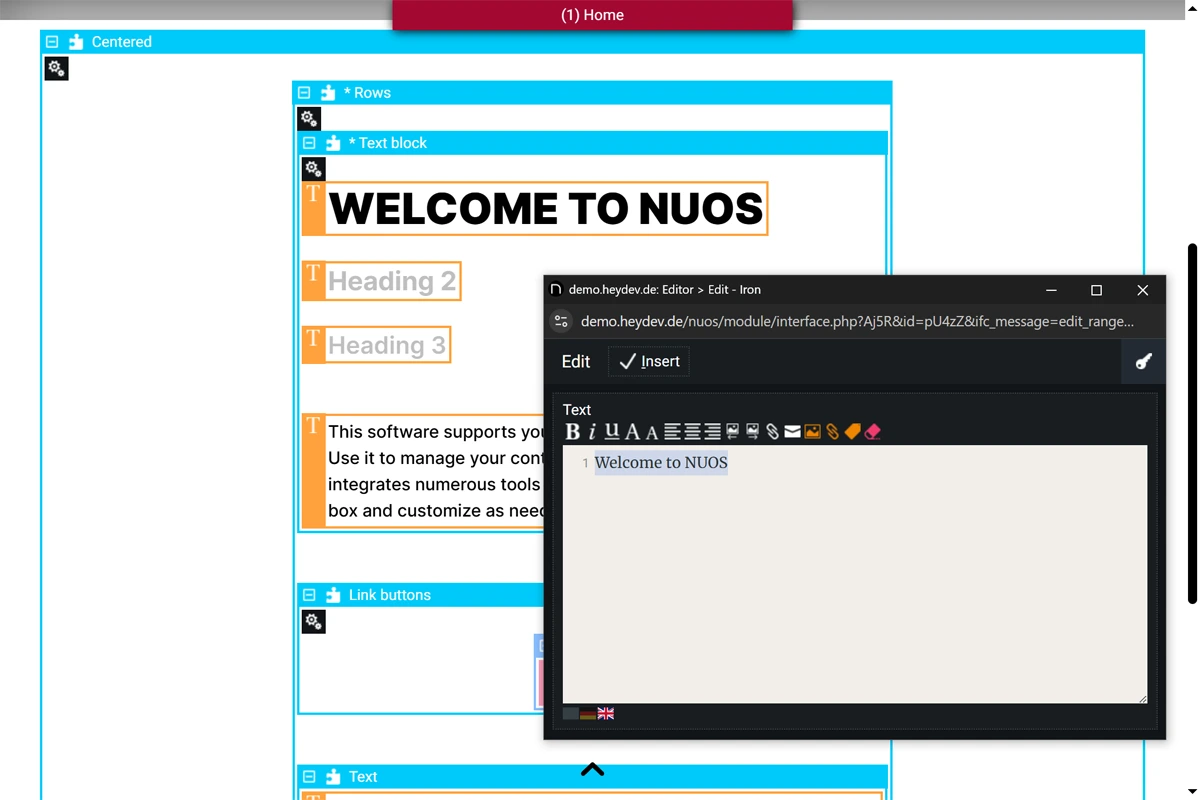
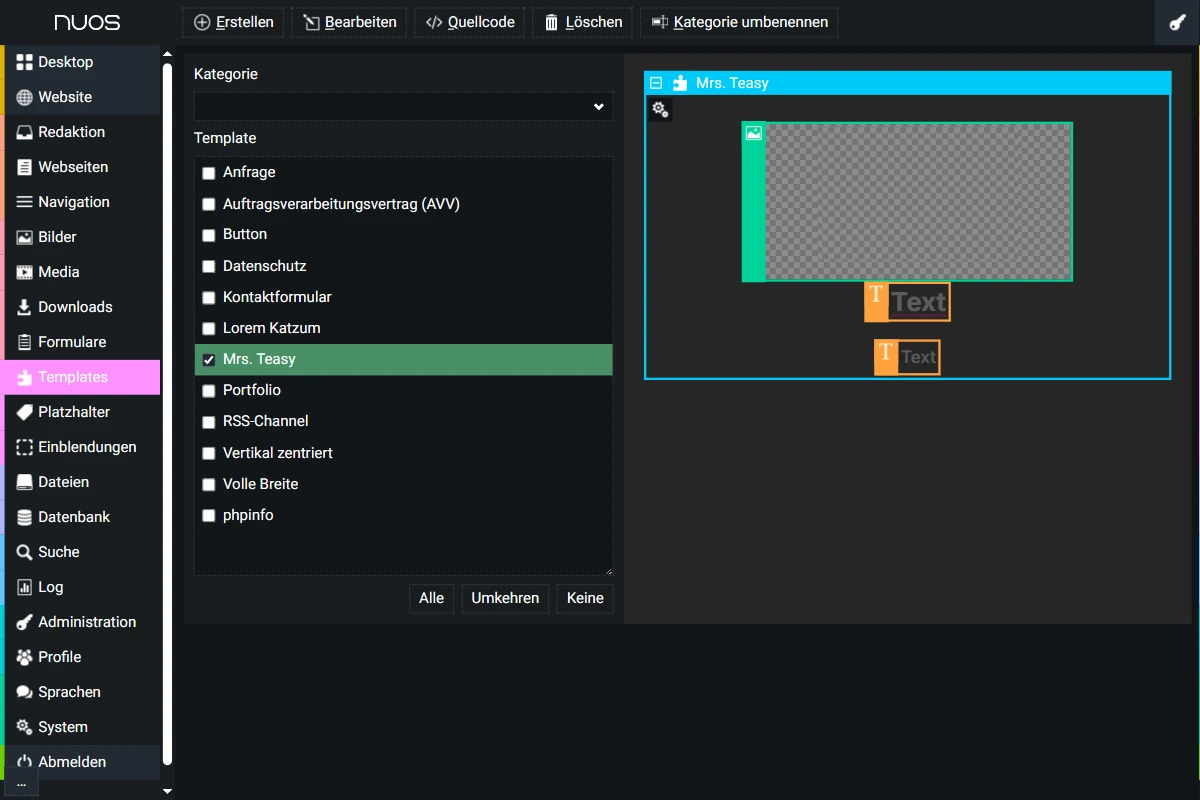
Web interfaces and websites in NUOS can be built and customized using freely adjustable, context-sensitive editing views (full / layout / content / output) combined with templates and components. A comprehensive selection is included and can be extended as needed. Asset managers for images, media, downloads, and more allow for organized content management. An integrated background worker (daemon) processes time-consuming and regular tasks for UX speed, maintenance and consistency.
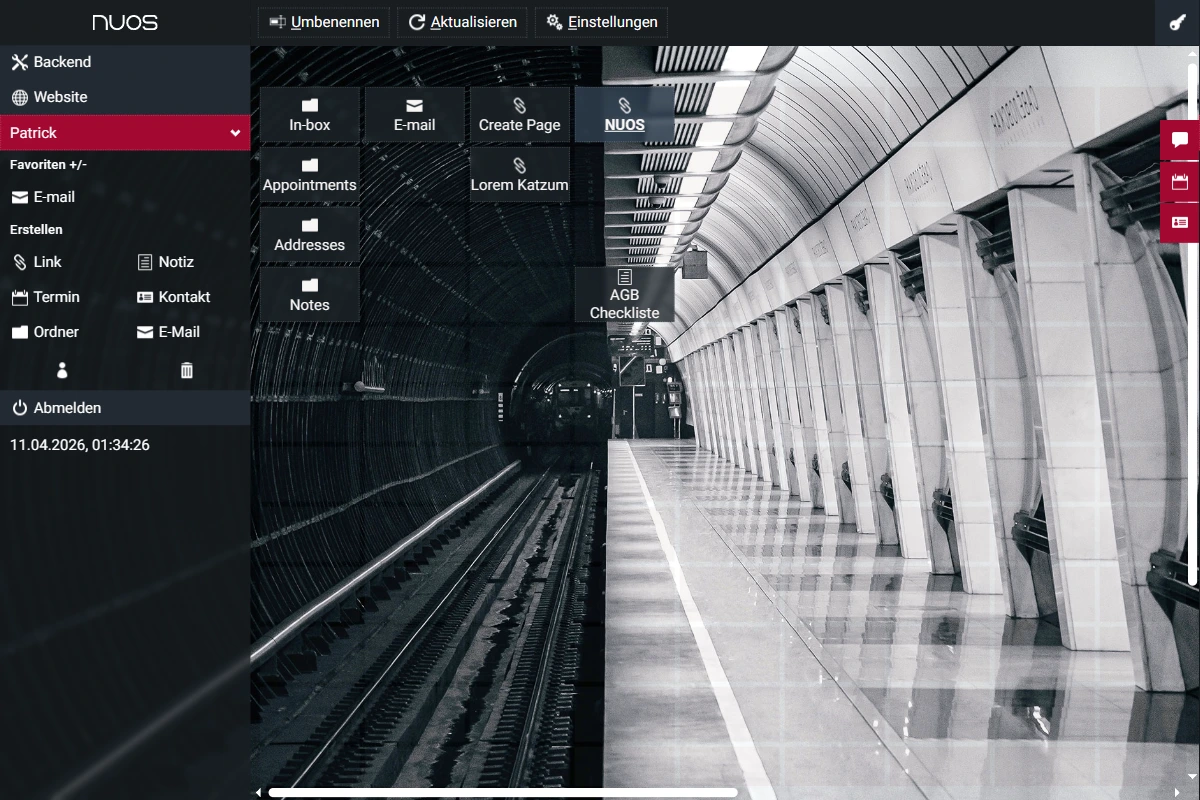
NUOS supports role assignments, includes an editorial system with personal and shared workspaces, and enables internal communication and coordination via web desktops featuring links, appointments, notes, mail clients, and messaging. Forums, blogs, and chats further extend team functionality.
In solo mode / as a web developer, NUOS provides fast IDE-level access to all assets, templates / components, files and tables. As a framework, NUOS provides comprehensive and tested solutions for key functional areas and presents a stable, performance-optimized foundation for web projects and web-based apps – tech-focused and structured, server-side with PHP & MySQL and client-side with HTML, JS + CSS. NUOS gives you tools. It doesn't nanny you.
NUOS includes a variety of typical frontend web applications. The backend provides helpful management interfaces and editing tools for code, content, and data.
NUOS automates key SEO features such as XML sitemaps, canonical and alternate links, and RSS feeds to improve content indexing. Images are optimized for different displays and converted to modern formats (WebP / JPEG). Partial caching speeds up static elements. Lean JavaScript and no use of third-party frameworks/libraries improve load times.
Optimized for desktop and touchscreens · Consistent and simple user experience
Automatic integrity checks and data structure correction · Encrypted authentication, even over unsecured connections · One-click backup (ZIP archive) · Independent: Zero dependency · CSRF protection · Heuristic bad bot blocking · Centralized error reporting (browser console, log file) · Background maintenance · Feature requests and regular updates.
Full-traffic server-side tracking of page views and user actions · Clear display of all relevant data · Detailed queries · Effective bot filtering · Cookie-free, privacy-compliant anonymization – no consent required
Fully multilingual · Supports multisite environments · Up-to-date technical documentation (AI generated)
